
Getting started
A series of tutorials leading you through the steps of using Express and MongoDB to build the backend for a basic CRUD app.
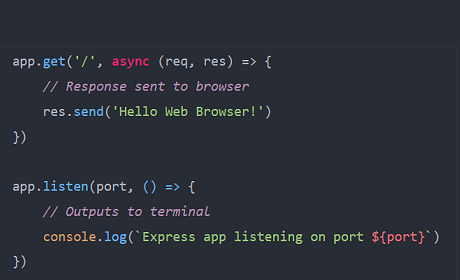
Building a basic Express app runnng on a Node.js server that can serve a response to a GET request from a web browser.
View Tutorial
Creating a free MongoDB Atlas account and obtaining a connection string for use with your Express apps.
View Tutorial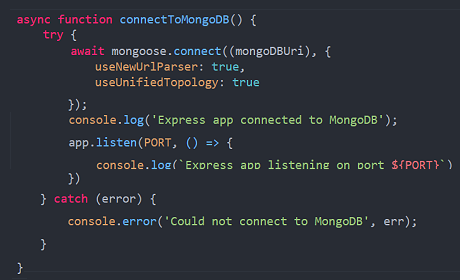
Using the provided connection string to connect an Express app to your account on MongoDB Atlas.
View Tutorial
Downloading and installing the free MongoDB Compass app for interacting with databases and collections.
View Tutorial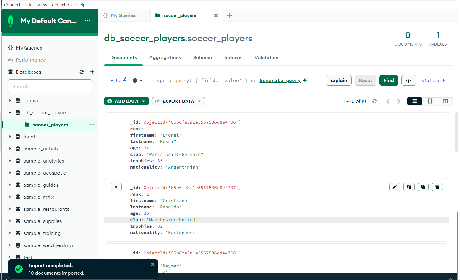
Using the Compass app to create a database and collection in MongoDB Atlas, and to import data from a JSON file.
View Tutorial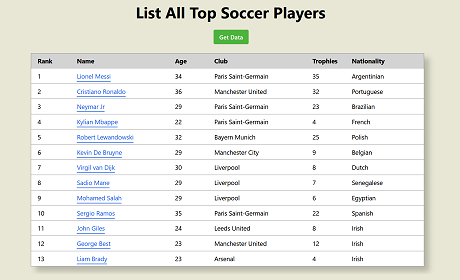
Bullding the backend of an app that uses Express routes to perform CRUD operations on data stored on MongoDB Atlas.
View Tutorial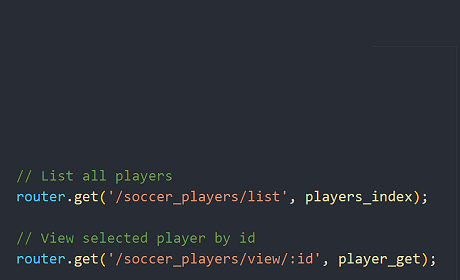
Refactoring the Express routes code to move the route handler functions to a separate controllers file.
View Tutorial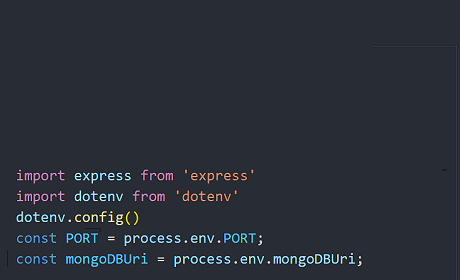
Adding an .env file to hide your login details. And using middleware to serve static files such as images and stylesheets.
View Tutorial